

No subtitles for this video yet.
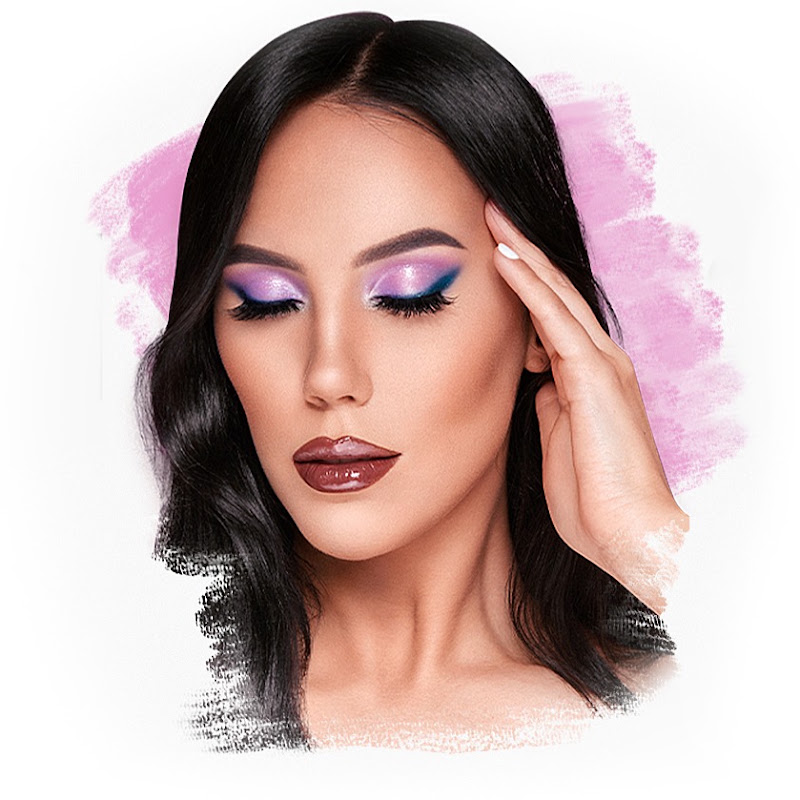
5 Minute Soft Lavender Eyeshadow Tutorial | Hooded Eye Friendly Makeup Look
Description♡ SUBSCRIBE for more weekly video's → https://www.youtube.com/c/anknook?sub= ► SHOP MY PALETTE HERE: https://collabs.shop/5oedzh If you add OTHER Sigma Beauty items to your cart, you can use my code MAKEUPBYANSB to get discount on other items at checkout. ♡ Hey everyone, thank you for watching today's video! Don't More
♡ SUBSCRIBE for more weekly video's → https://www.youtube.com/c/anknook?sub=
► SHOP MY PALETTE HERE: https://collabs.shop/5oedzh
If you add OTHER Sigma Beauty items to your cart, you can use my code
MAKEUPBYANSB to get discount on other items at checkout. ♡
Hey everyone, thank you for watching today's video! Don't forget to subscribe & give this video a thumbs up if you enjoy. Create this soft purple glowy makeup look in just 5 minutes!
In this quick and easy makeup tutorial, I’ll show you how to achieve a fresh, feminine and radiant purple eye look that is perfect for everyday glam, date night, spring makeup or when you want something soft but still eye-catching.
► PRODUCTS USED:
⇢ Hindash Color Fluid in Canvas
⇢ Anastasia Beverly Hills Cosmos Palette
⇢ Anastasia Beverly Hills Glidr shadow stick: Wisteria Glow
⇢ Lancome Hypnôse mascara
► FTC Disclaimer: This video is NOT sponsored. All opinions are 100% mine. I only talk about products I genuinely like and only give honest reviews. Some products I am using in this video I may have received for free by the brand itself but I'm not paid to use them in my video's or talk positive about those products. I use them because I enjoy using these products myself.
All products links I use are affiliate links* Affiliate links meaning if you click the link and purchase items through that link, I will receive a small commission on that purchase. If I am having a sponsored video I will display this in the description at the top of
- Loading…