

No subtitles for this video yet.
Step-by-Step Teal Blue Smokey Eye | Beginner-Friendly Using Eye Pencil
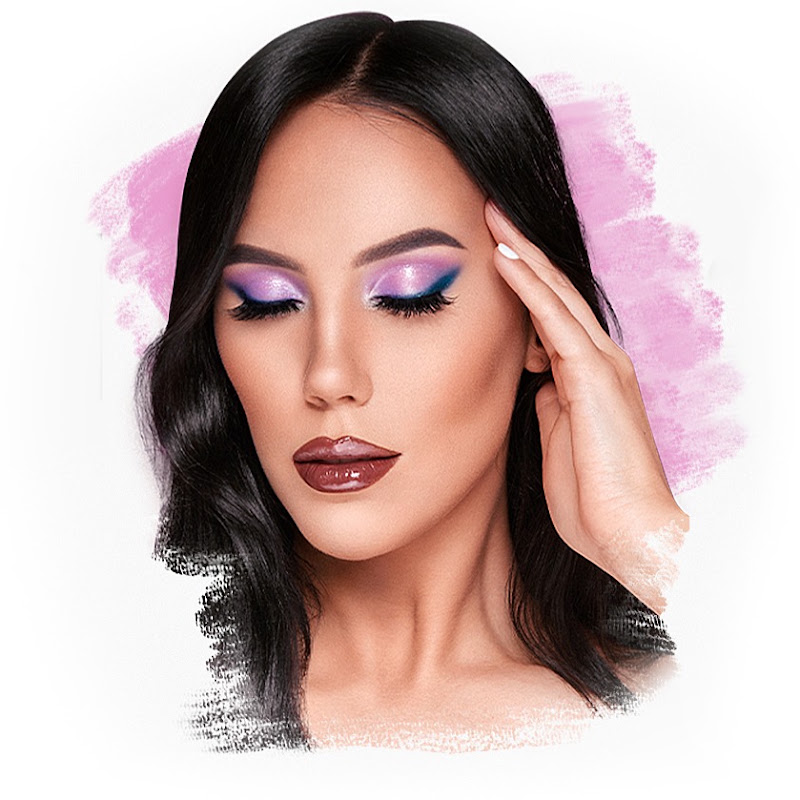
Description♡ SUBSCRIBE for more weekly video's → https://www.youtube.com/c/anknook?sub= ► SHOP MY PALETTE HERE: https://collabs.shop/5oedzh If you add OTHER Sigma Beauty items to your cart, you can use my code MAKEUPBYANSB to get discount on other items at checkout. ♡ Welcome back to my channel! 🌟 Today, I'm sharing a beginnMore
♡ SUBSCRIBE for more weekly video's → https://www.youtube.com/c/anknook?sub=
► SHOP MY PALETTE HERE: https://collabs.shop/5oedzh
If you add OTHER Sigma Beauty items to your cart, you can use my code
MAKEUPBYANSB to get discount on other items at checkout. ♡
Welcome back to my channel! 🌟 Today, I'm sharing a beginner-friendly tutorial on how to create a stunning smokey eye using an eye pencil as a base. We'll be adding a gorgeous pop of teal blue sparkly eyeshadow right in the center, using the ColourPop Stranger Things palette. Whether you're new to makeup or looking for an easy glam look, this step-by-step guide is perfect for you! Don't forget to like, subscribe, and hit the bell for more makeup tutorials. Let’s get started and create some magic together! 💙✨
► PRODUCTS USED:
Mac paint pot soft ochre
Colourpop Cosmetics x stranger things eyeshadow palette
Inglot kohl pencil 01
House of lashes show off eyelashes
Lancome hypnose drama mascara
► FTC Disclaimer: This video is NOT sponsored. All opinions are 100% mine. I only talk about products I genuinely like and only give honest reviews. Some products I am using in this video I may have received for free by the brand itself but I'm not paid to use them in my video's or talk positive about those products. I use them because I enjoy using these products myself.
All products links I use are affiliate links* Affiliate links meaning if you click the link and purchase items through that link, I will receive a small commissi
- Loading…