

No subtitles for this video yet.
Christine Daae (Phantom of the Opera) Tutorial | Beauty Beacons of Fiction
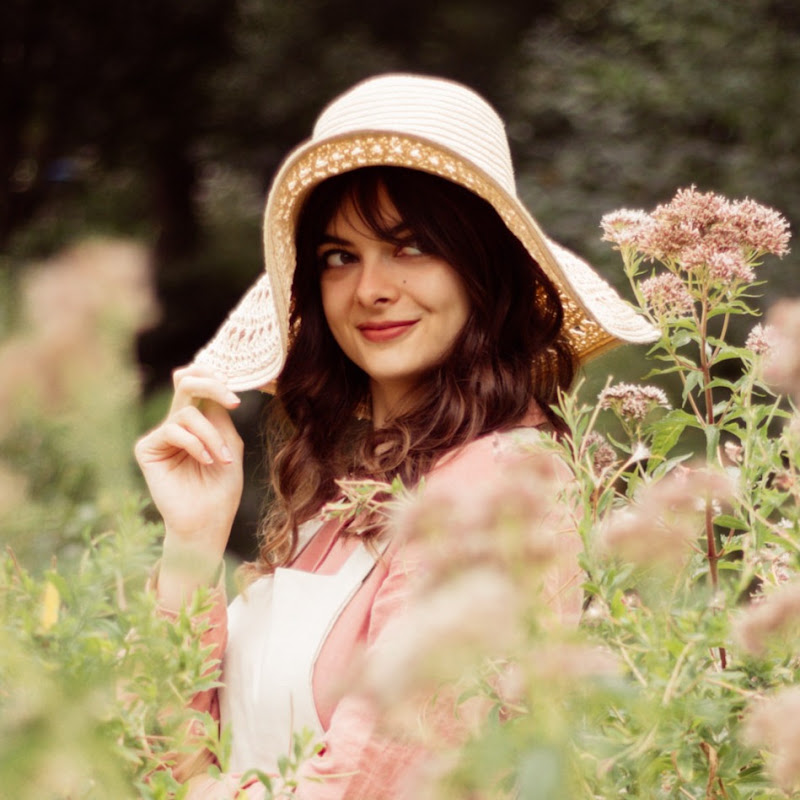
DescriptionChristine from the Phantom of the Opera is this episode's Beauty Beacon of Fiction! I'm going to show you how to recreate her iconic hair and makeup. Thanks to Anna-Ester Volozh of Dragonbee studio (http://www.dragonbee.com) for the amazing intro animation! -----------------------------------------------------------More
Christine from the Phantom of the Opera is this episode's Beauty Beacon of Fiction! I'm going to show you how to recreate her iconic hair and makeup.
Thanks to Anna-Ester Volozh of Dragonbee studio (http://www.dragonbee.com) for the amazing intro animation!
---------------------------------------------------------------------------------------
More HAIR TUTORIALS: http://goo.gl/7AZ6Se
More LIFESTYLE videos: http://goo.gl/oFwYrr
BEAUTY BEACONS (get the look of historical beauty icons): http://goo.gl/hLkJ34
BEAUTY BEACONS OF FICTION (get the look of fictional beauty icons): http://goo.gl/T55Ocv
---------------------------------------------------------------------------------------
My name is Lucy, I'm a 23-year-old girl from the Netherlands, and I'm here to offer an alternative approach to beauty.
On this channel I do mostly hair tutorials where I show you how to braid, pin and style your own hair. I recreate hairstyles from movies & tv shows and I regularly come up with my own, which I love to share with you!
I do lifestyle and beauty videos as well, ranging from wearable everyday looks, makeup tips and DIY natural beauty treatments, to fashion lookbooks, vegetarian recipes and more extreme Halloween tutorials.
If you enjoy history, you've come to the right place as well. I have a few series based on historical makeup and hairstyling that are my little passion projects.
Enjoy browsing!
Love,
Lucy
---------------------------------------------------------------
- Loading…