

No subtitles for this video yet.
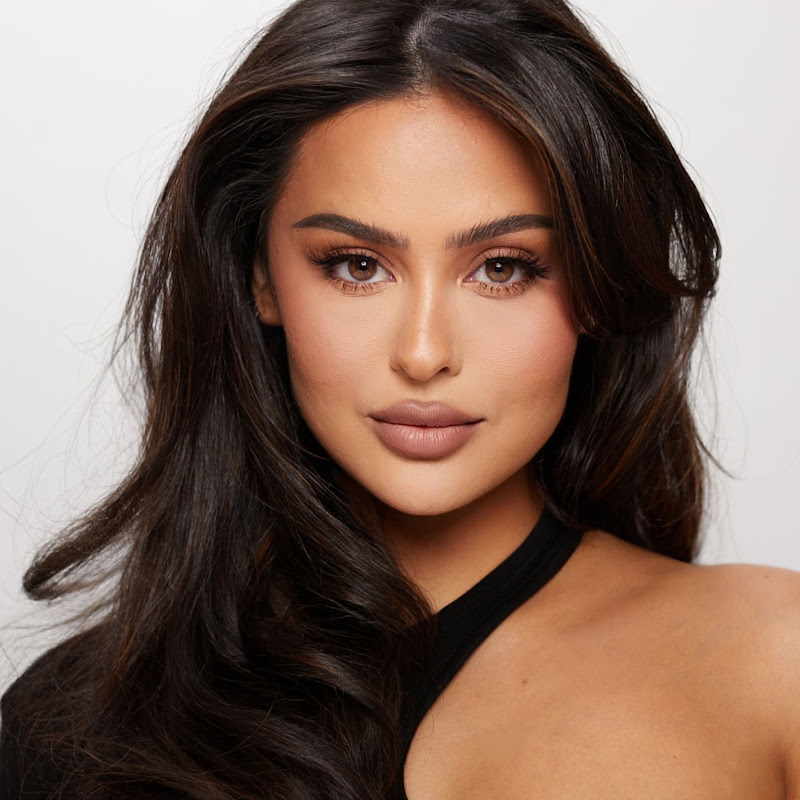
Blindfolded Makeup Tutorial with Chloe Morello
DescriptionS N A P C H A T: ChristenSnaps T W I T T E R : ChristenDTweets I N S T A G R A M: ChristenDominique F A C E B O O K: Christen Dominique SUBSCRIBE: http://bit.ly/OfXXWj and be apart of my family!! #Dominators SUBSCRIBE TO CHLOE MORELLO HERE https://www.youtube.com/user/ChloeMorello Watch Chloes video: https://youMore
S N A P C H A T: ChristenSnaps
T W I T T E R : ChristenDTweets
I N S T A G R A M: ChristenDominique
F A C E B O O K: Christen Dominique
SUBSCRIBE: http://bit.ly/OfXXWj
and be apart of my family!! #Dominators
SUBSCRIBE TO CHLOE MORELLO HERE
https://www.youtube.com/user/ChloeMorello
Watch Chloes video: https://youtu.be/fM8PdSkzB8k
Watch Chloe paint a masterpiece on my face while blindfolded. I laughed so hard so many times in this video it's ridiculous. I had so much fun filming this fun video with my friend Chloe go check out her channel and let her know I sent you!
DISCOUNT CODES!
Morphe - use code "CHRISTEND" 10% off everything! - https://www.morphebrushes.com
Artist Couture - Use code “CHRISTEN15" 15% off!- https://artistcouture.refersion.com/c/fb8a8
Sigma Beauty- Use code “ CHRISTEND” 10% of everything! http://www.sigmabeauty.com
Impressions Vanity-Use code “christend” 10% of everything! https://impressionsvanity.com
Jouer - Use code "christen" 15% off - https://www.jouercosmetics.com
Equipment Used:
Camera: Cannon Mark lll 5D
http://bit.ly/1MDDwPs
Lens: Cannon 24-70 mm F2.8
http://bit.ly/1TW7Dk9
Editing Software: Finalcut Pro X
FTC: This video is not sponsored.
I want to also say that I’m happy to have you apart of my family, you guys make me so happy! You encourage me everyday to do me and keep doing what I love, no matter how weird I am! Weird is a compliment. If no one has told you today, I want you to know that you’re beautiful and there is no
- Loading…