

No subtitles for this video yet.
(गेंदा फूल) Jacqueline Fernandez Look (Hair & Makeup Tutorial)
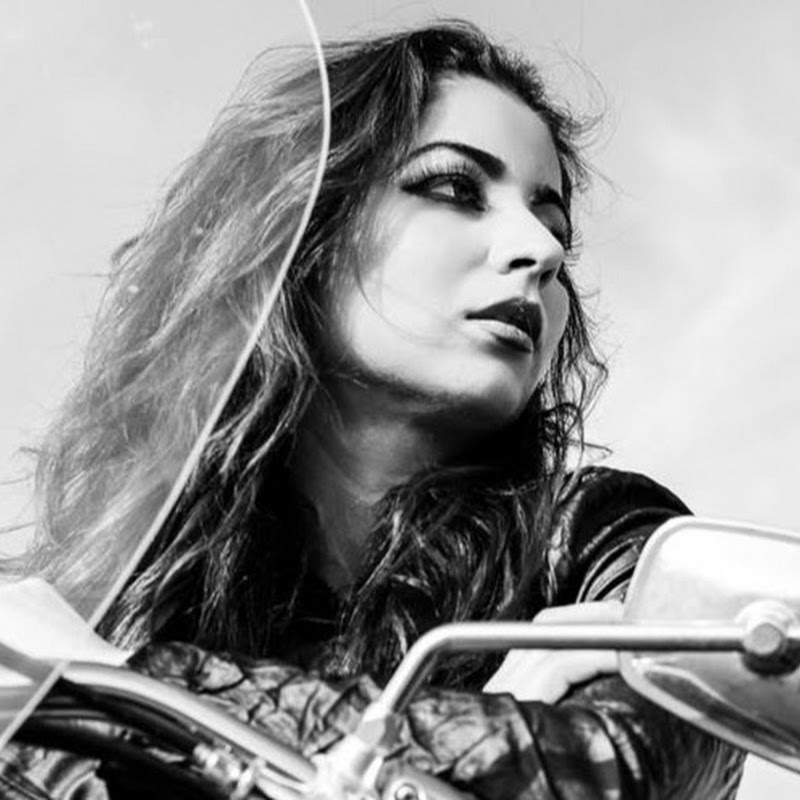
DescriptionJacqueline Fernandez looks stunning in the latest released 'Genda Phool' (गेंदा फूल) with rapper Badshah. I got so many requests to recreate Jacqueline Fernandez’s Bengali look from the song, so I decided to do a complete Hair & Makeup Tutorial. This is inspired by one of my fav makeup gurus, Shaan Muttathil ❤️ In thisMore
Jacqueline Fernandez looks stunning in the latest released 'Genda Phool' (गेंदा फूल) with rapper Badshah. I got so many requests to recreate Jacqueline Fernandez’s Bengali look from the song, so I decided to do a complete Hair & Makeup Tutorial. This is inspired by one of my fav makeup gurus, Shaan Muttathil ❤️
In this look, Jacqueline had beach curls, so I’m showing you a super easy method to acieve the hairstyle. For makeup, she kept it looking matte and natural, with a matte eye makeup look and very defined crease and smoked out liner. Jacqueline paired it with a nude – mauve lip. Overall, she looked stunning, I hope I could do some justice to her look. Please don’t forget to tag me if you recreate it, my socials are listed below.
P.S. This tutorial is in Hindi, please don’t forget to turn on the close captioning for English translations. If you’re watching on your computer, cc is on your right-hand side bottom of the video and on android tap the 3 dots on the top right corner and turn on captions.
Lots of love ~Smitha
#GendaPhool #JacquelineFernandez #Badshah
❤️Previous Video: FUCHSIA GOLD Defined Cutcrease Eyeshadow Tutorial https://youtu.be/73AdSgaLSAo
❤️Don’t forget to subscribe and hit the notification bell so you never miss an upload: https://bit.ly/2TNw4YF
❤️Lets Chat:
✦INSTAGRAM: https://www.instagram.com/SmithaDepak/
✦FACEBOOK: https://www.facebook.com/smithadepak/
✦COLLABS (business emails only): sd@smithadeepak.com
✦Share your pictures on my facebook group:
- Loading…