

No subtitles for this video yet.
Duo Chrome Gold-Green Makeup Tutorial Using The Natasha Denona Gold Palette | NATASHA DENONA BEAUTY
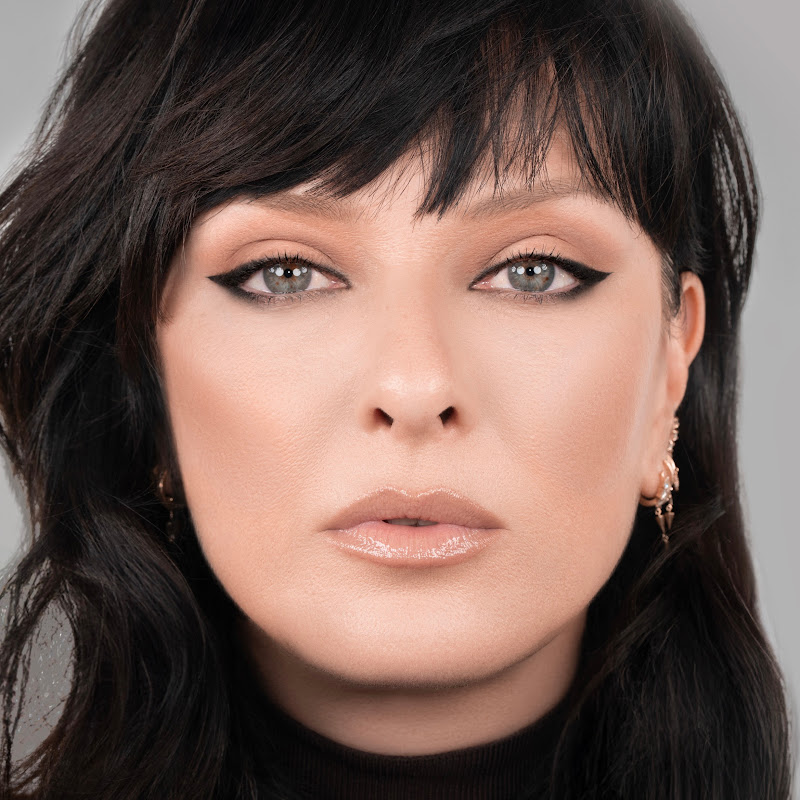
DescriptionLearn how to recreate this beautiful gold and green glam by following this tutorial step-by-step using the Natasha Denona GOLD PALETTE. Turn on Captions to follow along as you watch the video! 0:24 - Apply SPARKS in a wide area on the brow bone, using a finger or eyeshadow brush. 0:29 - Using a blending brush, apply PMore
Learn how to recreate this beautiful gold and green glam by following this tutorial step-by-step using the Natasha Denona GOLD PALETTE. Turn on Captions to follow along as you watch the video!
0:24 - Apply SPARKS in a wide area on the brow bone, using a finger or eyeshadow brush.
0:29 - Using a blending brush, apply PYTHON to the lower lash line.
0:31 - Then use PYTHON to create a wing and fill in the Outer V of the eye.
0:37 - Using an Eyeshadow Brush, blend PYTHON out into the outer lid, and even a bit into the middle lid.
0:42 - Then come in with BRASS on the middle and inner lid, using a finger or brush.
0:49 - Next is LIME CHROME, which can be applied to blend the PYTHON and BRASS together.
0:55 - Adding in DIJON, to blend out PYTHON into the above crease.
0:58 - Apply SANDSTONE to the crease and inner crease for depth.
1:01 - Bring PYTHON back with a smudge brush to bring out the wing more.
1:06 - Still using PYTHON, go along the lower lash line.
1:13 - Apply AURUM to the inner corner and tear duct, blending it into the PYTHON.
1:25 - Add your favorite Mascara and lashes!
---------------------------------------
Find us at http://natashadenona.com/
Facebook: https://www.facebook.com/NatashaDenonaMakeup/
Twitter: https://twitter.com/Natasha_Denona
Instagram: http://instagram.com/natashadenona
#makeup #natashadenona #makeupjunkie
- Loading…