

No subtitles for this video yet.
SHIMMERING CUT-CREASE LOOK USING THE NATASHA DENONA GOLD PALETTE | NATASHA DENONA BEAUTY
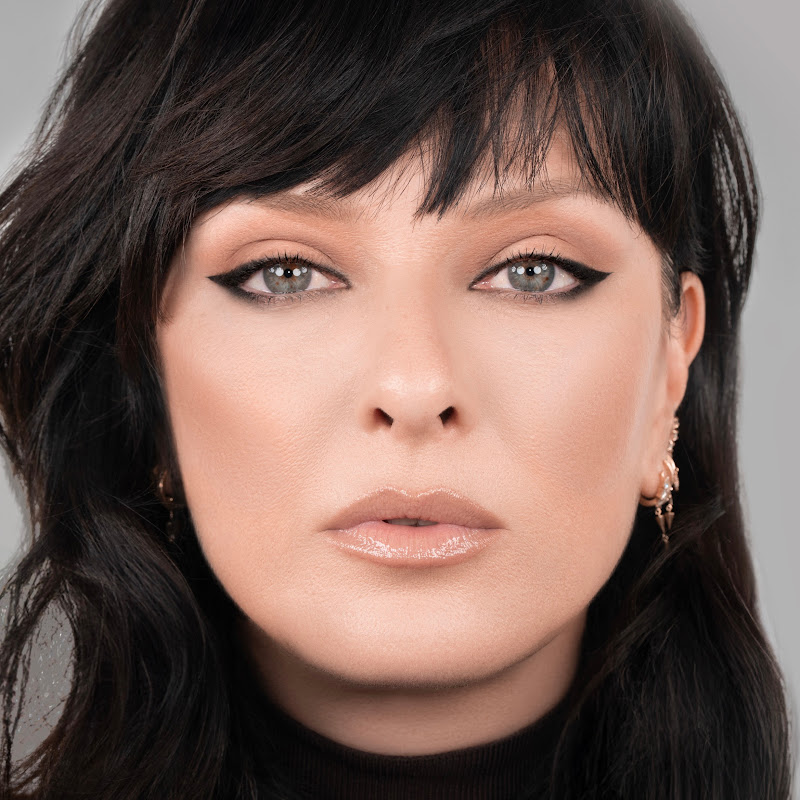
DescriptionFollow along step-by-step Natasha Denona Gold Palette tutorial and learn how to recreate this SHIMMERING look! Turn on Captions to follow along as you watch the video! 0:25 - Apply SPARKS in a wide area on the brow bone, using a finger or eyeshadow brush. 0:28 - Take an eyeshadow brush and apply ARIA to the lower browMore
Follow along step-by-step Natasha Denona Gold Palette tutorial and learn how to recreate this SHIMMERING look! Turn on Captions to follow along as you watch the video!
0:25 - Apply SPARKS in a wide area on the brow bone, using a finger or eyeshadow brush.
0:28 - Take an eyeshadow brush and apply ARIA to the lower browbone and upper lid.
0:35 - Using LOG on a smaller details brush, define the crease line.
0:43 - Use TEAK to blend the above crease line and fan out the blend.
0:51 - Press an eyeshadow base onto the lid with a foundation brush.
0:57 - Then cover the lid with ORO, gently pressing it unto the lid.
1:15 - Apply TEAK with a blending brush to the lower lash line and create a small wing in the Outer V of the eye.
1:23 - Blend in LOG at the corner of the lower lash line for more definition.
1:26 - Add AURUM to the inner corner of the eye and blend into the TEAK of the lower lash line.
1:29 - Create an eyeliner and wing with PYTHON using a details brush
1:35 - Top it all off with your favorite mascara and lashes!
---------------------------------------
Find us at http://natashadenona.com/
Facebook: https://www.facebook.com/NatashaDenonaMakeup/
Twitter: https://twitter.com/Natasha_Denona
Instagram: http://instagram.com/natashadenona
#makeup #beauty #makeupjunkie
- Loading…