

No subtitles for this video yet.
Mixamo to MetaHuman to CLO3D in Unreal Engine | Digital Fashion Animation Workflow
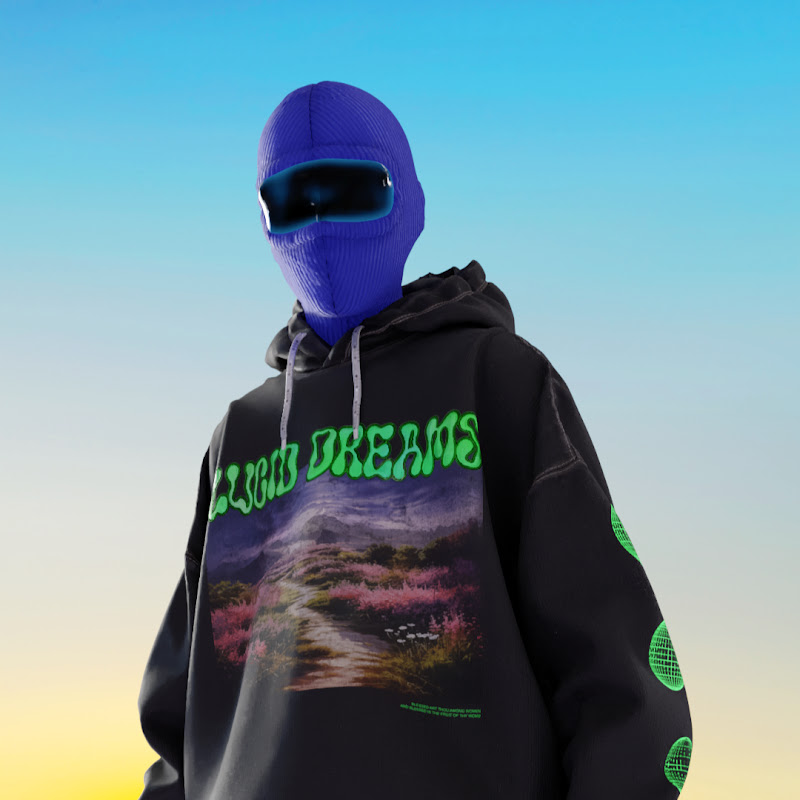
DescriptionIn this tutorial, I walk you through my complete Mixamo → MetaHuman → CLO3D workflow inside Unreal Engine, step by step. No shortcuts, no missing links—just a clear pipeline you can actually follow. As a fashion designer transitioning into digital fashion using CLO3D and Unreal Engine, I built this workflow to solve tMore
In this tutorial, I walk you through my complete Mixamo → MetaHuman → CLO3D workflow inside Unreal Engine, step by step.
No shortcuts, no missing links—just a clear pipeline you can actually follow.
As a fashion designer transitioning into digital fashion using CLO3D and Unreal Engine, I built this workflow to solve the exact problems I struggled with:
✔ importing animations ´(Mixamo & FAB Marketplace)
✔ retargeting to MetaHumans
✔ syncing garments from CLO3D
0:00 Intro
2:26 Import animations from Mixamo to Unreal Engine 5.7
4:38 Retarget animation to metahuman
5:30 How to merge animations in the sequencer
10:59 Correct animations with additive layer
14:58 Create a Base Pose to export to CLO Marvelous Designer
17:40 Clo to Unreal engine import settings
21:10 Fix Metahuman CLipping Issues Clo Marvelous Designer
This tutorial is designed for fashion students, digital fashion designers, and 3D artists who want to animate garments fast without jumping between 10 different videos.
If you want fashion-first Unreal workflows, not generic VFX tutorials—you’re in the right place.
Subscribe to my channel for clear, hands-on tutorials built for fashion students, digital fashion pioneers, and 3D artists who want to push creative boundaries without getting stuck in technical chaos.
Stay Connected!
🛠️ Explore My Digital Fashion Resources
Find my 1:1 sessions, guides, and digital fashion templates here:
https://aschno.stan.store/
📸 Follow Me on Instagram
https://www.instagram.com/asc
- Loading…