

No subtitles for this video yet.
My Exact CLO3D to Unreal Engine 5.7 Workflow (Beginner Friendly + Pro Results)
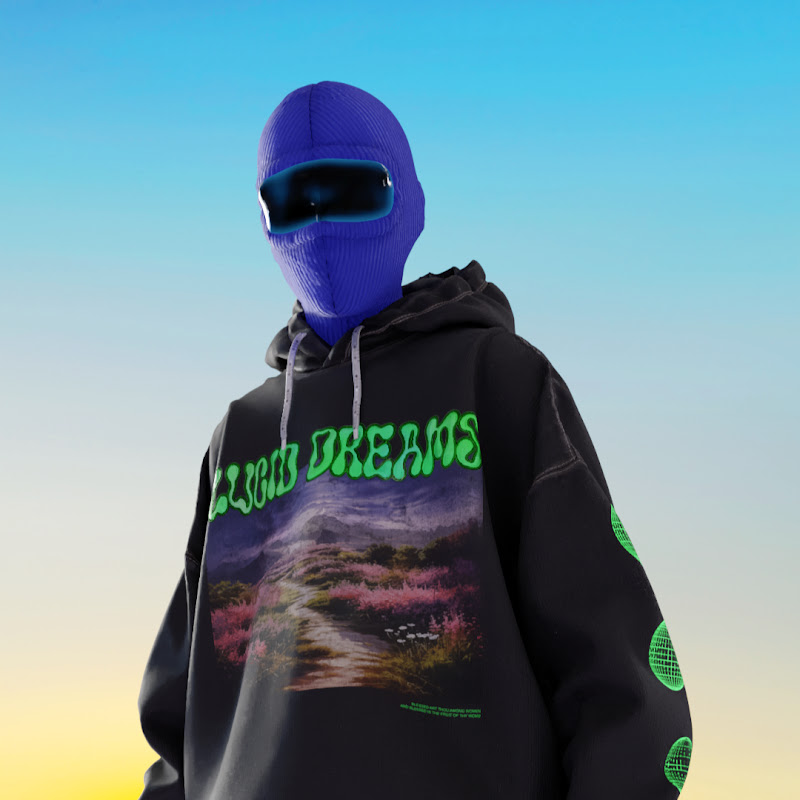
DescriptionComplete Beginners Tutorial Unreal Engine 5.7 & CLO 2025.2 ! If you’ve ever felt lost moving your CLO3D garments into Unreal Engine, this tutorial gives you the entire workflow in one place—no extra videos needed. I walk you through Unreal Engine for absolute beginners, from installation and plug-ins to UI navigation, More
Complete Beginners Tutorial Unreal Engine 5.7 & CLO 2025.2 !
If you’ve ever felt lost moving your CLO3D garments into Unreal Engine, this tutorial gives you the entire workflow in one place—no extra videos needed.
I walk you through Unreal Engine for absolute beginners, from installation and plug-ins to UI navigation, target lighting, Mixamo and Metahuman import, and CLO LiveSync integration.
As a fashion designer turned digital fashion creator, I built this pipeline to solve my own production bottlenecks. In this video, I share my exact VFX, lighting, and render settings so you can achieve high-quality editorial visuals without the technical chaos.
Timestamps - see end is Bonus!
00:00:00 Intro
00:01:52 Install Unreal Engine 5.7
00:05:57 Unreal Engine User Interface explained
00:12:44 Project settings and Plugins
00:14:33 How to import fbx
00:15:28 Fab Library and Marketplace
00:19:38 Target Lighting Set Up
00:31:06 Post Process Volumen VFX Effects Color Grading
00:38:37 Camera settings
00:44:56 Sequencer Animate Assets
00:49:30 Movie Render Queue Render Settings and Presets
00:54:50 Duplicate to Create a Template of your Projects
00:57:19 MetaHuman Quixel Bridge Import Migrate
01:03:12 Mixamo - free animation assets Import to Unreal Engine
01:08:50 CLO LiveSync Plugin - export animation, import garments geometry cache
01:19:29 Wrap Up - Fine Tune
01:25:07 Final Settings Light
If you’re a young designer, digital fashion beginner, or 3D artist wanting to bring fashion int
- Loading…