

No subtitles for this video yet.
How to Use Unreal Engine’s Free Assets for Digital Fashion Renders | CLO3D Marvelous Designer
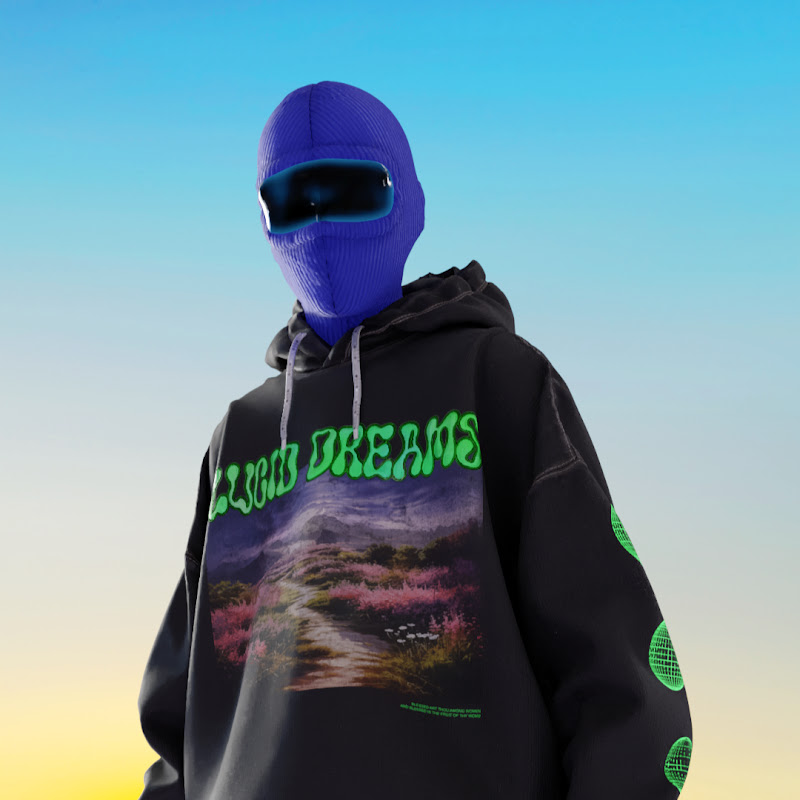
DescriptionBeginner Friendly Tutorial Did you know Unreal Engine gives away free, fully set-up environments every month? In this tutorial, I’ll show you how to use these assets to create high-quality fashion renders with CLO3D and Unreal Engine! You’ll learn: ✅ How to download & set up Unreal’s free assets ✅ How to transfer yourMore
Beginner Friendly Tutorial
Did you know Unreal Engine gives away free, fully set-up environments every month? In this tutorial, I’ll show you how to use these assets to create high-quality fashion renders with CLO3D and Unreal Engine!
You’ll learn:
✅ How to download & set up Unreal’s free assets
✅ How to transfer your garments from CLO3D to Unreal Engine using the Live Sync Plugin
✅ Tips for lighting, camera angles, and rendering to enhance your digital fashion projects
By the end, you’ll have a professional-looking scene—perfect for portfolios, social media, or fashion films!
Here is the link to the environment, free on FAB until 11th of March
https://www.fab.com/listings/6997ac35-3f01-4915-9427-40ccb33babe6
🚀 Subscribe for more beginner-friendly CLO3D & Unreal Engine tutorials and level up your digital fashion skills.
💬 Got questions? Drop them in the comments—I’d love to help!
- Loading…